Skip to main content
Universal Navigation
U of T
Quercus
ACORN
Universal Navigation2
FACULTY OF ARTS & SCIENCE >
Main menu
Home
About Us
Our Department
About our Department
Contact Us
Other Campuses
Department of Mathematical and Computational Sciences, UTM
Department of Computer and Mathematical Sciences, UTSC
People
Directories
Faculty
Staff
Graduate Students
Postdoctoral Fellows
Faculty Discover Research Profiles
Honours & Awards
Featured Awards
Undergraduate
Prospective Students
About Our Undergraduate Studies
Admissions Information
Preparing for University Math Program (PUMP)
Current Students
Program Information
Program Requirements
Professional Experience Opportunities
Research Opportunities
Summer Research Awards for Undergraduates
A Guide to First-Year Mathematics
Math Competitions
Curriculum & Courses
Current Undergraduate Courses
Equivalent Courses
Undergraduate Student Resources
Contact Us
Forms
FAQ
COVID-19
Math Learning Centre
Groups and Societies
Feeling Distressed?
Graduate
Prospective Students
About our Graduate Program
Program Information
Admissions Requirements & Procedures
Current MSc Students
Program Requirements
Tuition & Funding
Current PhD Students
Program Requirements
Tuition & Funding
PhD Program Completion
PhD Defenses
Curriculum & Courses
Course Listings: 2023-24
Course Descriptions 2023-24
Tentative Course Listings: 2024-25
Graduate Student Resources
Contact Us
Graduate Studies Handbook
Forms & Resources
Scholarships & Awards
Career Information
Mathematics Graduate Students Association
Outreach
About Us
Testimonials
Contact Us
Get Involved
Supporters
Support Our Programs
Current Programs
Program Information
Grades 1–8 Programs
Grades 9–12 Programs
Math Contests
Register
Account Setup
New Students
Returning Students
Outreach Resources
Program Policies and Procedures
For Parents and Families
For Students
For Teachers
Links
Computing
User Support
Computing Resources
Printing Help
Quotas and Disk Space Management
Computer Server Sphere
Creating a Webpage
Wireless Networking
Hardware (MAC) Addresses
U of T's CMS (Quercus)
Contact User Support
Email & Spam Filtering
Mathematics Webmail
Automatic Reply Message
Spam Filtering
Thunderbird Set-up
Remote Access to U of T Library
Secure Shell Information
News & Events
Recent News
Upcoming Events
Jobs
St. George Campus Faculty Positions
Mississauga & Scarborough Campus Faculty Positions
Sessional Instructors, Course Instructors & Teaching Assistants
Postdoctoral Fellow Positions
Staff Positions
Alumni & Friends
Donate
Resources for Alumni & Friends
Alumni Info Update
Resources
HR Forms for Staff and Faculty
External Links
Search form
Search
Home
About Us
Our Department
About our Department
Contact Us
Other Campuses
Department of Mathematical and Computational Sciences, UTM
Department of Computer and Mathematical Sciences, UTSC
People
Directories
Faculty
Staff
Graduate Students
Postdoctoral Fellows
Faculty Discover Research Profiles
Honours & Awards
Featured Awards
Undergraduate
Prospective Students
About Our Undergraduate Studies
Admissions Information
Preparing for University Math Program (PUMP)
Current Students
Program Information
Program Requirements
Professional Experience Opportunities
Research Opportunities
Summer Research Awards for Undergraduates
A Guide to First-Year Mathematics
Math Competitions
Curriculum & Courses
Current Undergraduate Courses
Equivalent Courses
Undergraduate Student Resources
Contact Us
Forms
FAQ
COVID-19
Math Learning Centre
Groups and Societies
Feeling Distressed?
Graduate
Prospective Students
About our Graduate Program
Program Information
Admissions Requirements & Procedures
Current MSc Students
Program Requirements
Tuition & Funding
Current PhD Students
Program Requirements
Tuition & Funding
PhD Program Completion
PhD Defenses
Curriculum & Courses
Course Listings: 2023-24
Course Descriptions 2023-24
Tentative Course Listings: 2024-25
Graduate Student Resources
Contact Us
Graduate Studies Handbook
Forms & Resources
Scholarships & Awards
Career Information
Mathematics Graduate Students Association
Outreach
About Us
Testimonials
Contact Us
Get Involved
Supporters
Support Our Programs
Current Programs
Program Information
Grades 1–8 Programs
Grades 9–12 Programs
Math Contests
Register
Account Setup
New Students
Returning Students
Outreach Resources
Program Policies and Procedures
For Parents and Families
For Students
For Teachers
Links
Computing
User Support
Computing Resources
Printing Help
Quotas and Disk Space Management
Computer Server Sphere
Creating a Webpage
Wireless Networking
Hardware (MAC) Addresses
U of T's CMS (Quercus)
Contact User Support
Email & Spam Filtering
Mathematics Webmail
Automatic Reply Message
Spam Filtering
Thunderbird Set-up
Remote Access to U of T Library
Secure Shell Information
News & Events
Recent News
Upcoming Events
Jobs
St. George Campus Faculty Positions
Mississauga & Scarborough Campus Faculty Positions
Sessional Instructors, Course Instructors & Teaching Assistants
Postdoctoral Fellow Positions
Staff Positions
Alumni & Friends
Donate
Resources for Alumni & Friends
Alumni Info Update
Resources
HR Forms for Staff and Faculty
External Links
Quick Links
Jobs
Seminars
Key Contacts
Meet our Faculty
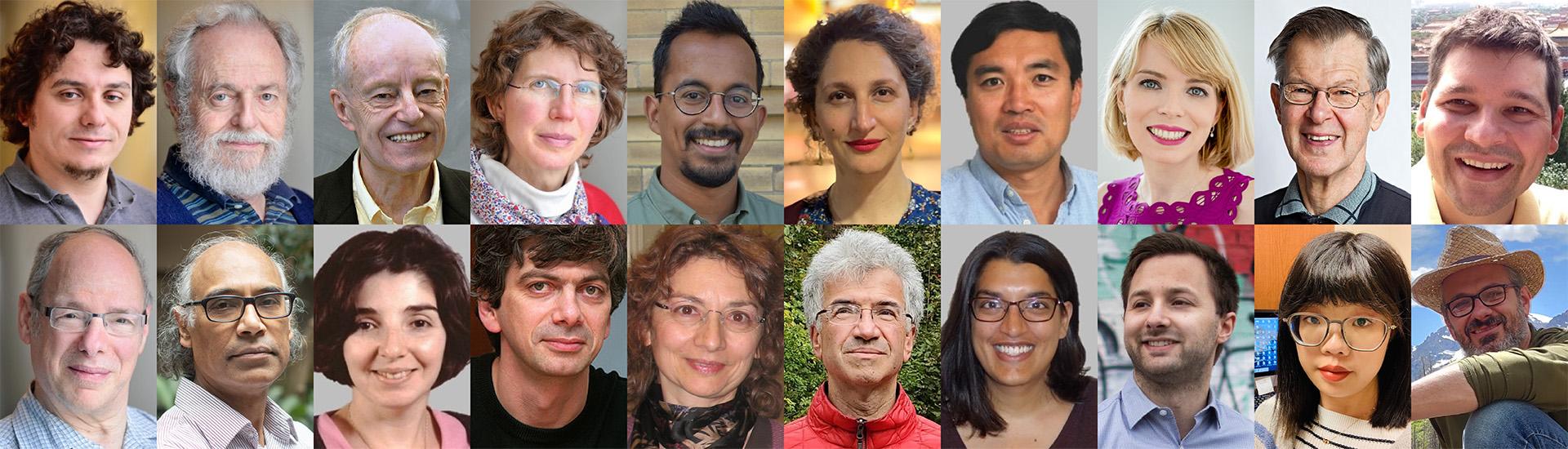
One of the strongest assets U of T has is our incredible distinguished professors, all with national and international reputations in teaching, research, and scholarly work.
Learn More
Jobs
Seminars
Key Contacts
Recent News
Mathematics alum Christopher Eagle has been named the recipient of the 2024 Excellence in Teaching Award
James Munday and William Verreault have been awarded Lachlan Gilchrist Fellowship Fund
Duncan Dauvergne and Bálint Virág to receive the 2024 Cathleen Synge Morawetz prize
Our Programs
Website place cards (6).png
Undergraduate Program
Website place cards (3).jpg
Graduate Program
Math for Kids.jpg
Youth Outreach Program